Controlled AI. Real results.
Know what is in the air and on the air around your site
Drones, aircraft and radios announce themselves to anyone who listens. ThreatRipper sensor nodes listen passively, and Arqent turns their detections into a live map, a track history and a report an operator can answer for.
Product view
Sensors at the site, one picture for the team
Each node listens on its own and sends its detections to Arqent. The whole team sees the same map, whether one node covers a gate or several cover a perimeter.
Drones
Remote ID with drone position and pilot location, plus drone Wi-Fi links
Aircraft
ADS-B callsign, altitude and live track
Devices
Wi-Fi and Bluetooth devices near the node
Radio
Two-way-radio key-ups and on-demand spectrum sweeps
DEPLOYMENT
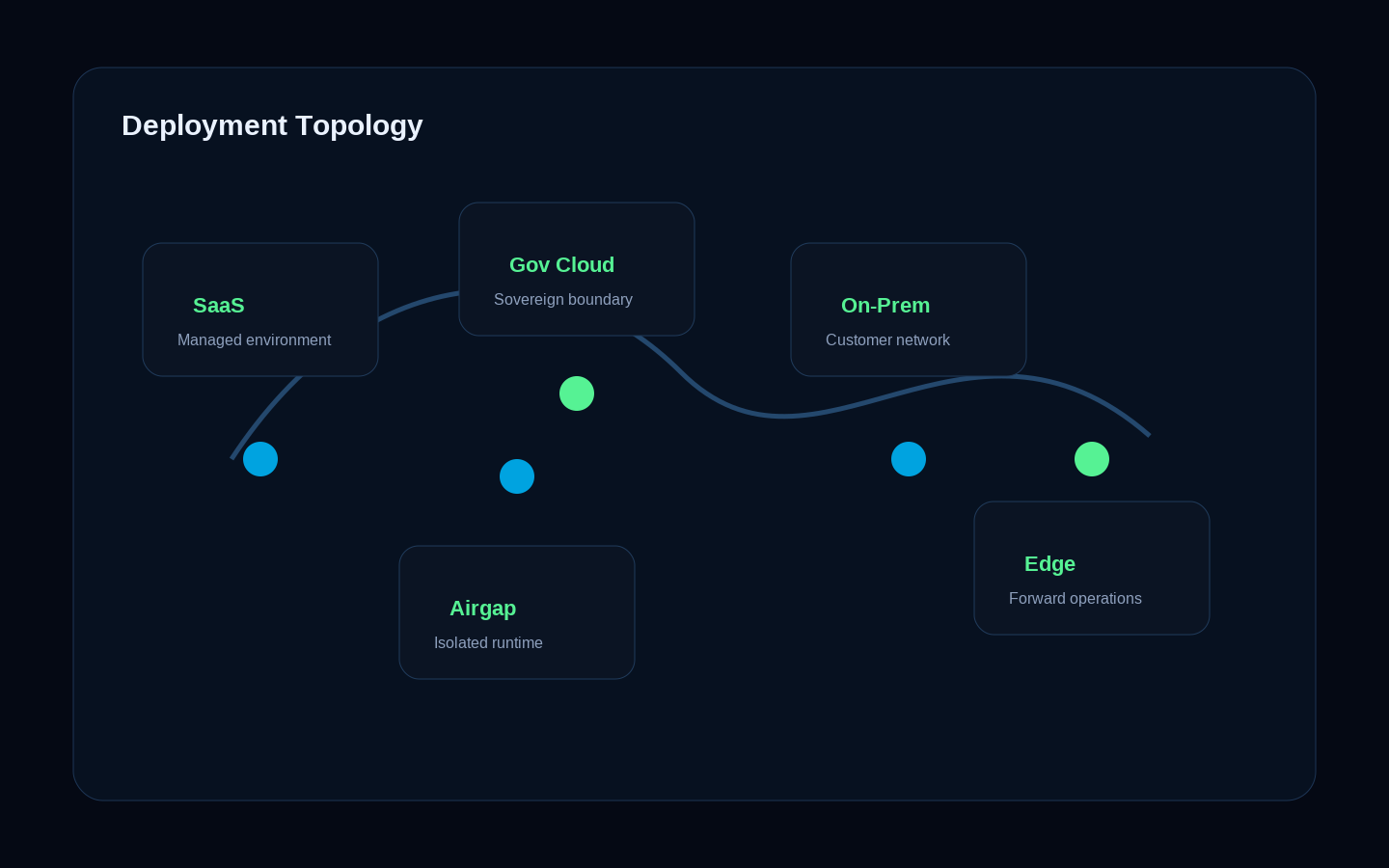
Same platform, your data boundary
What protection teams get back
One map for every sensor
Detections from all nodes land in one view, each with the node that heard it.
Flights you can replay
First seen, last seen and the path in between stay available after the drone or aircraft has gone.
Answers in plain language
Ask an operator what flew near the north gate in the last hour and get counts, identifiers and times.
Honest limits
A single sensor gives a distance ring, not a bearing. The map shows it that way.
Where drone detection usually falls short
Most sites learn about a drone from a guard who happened to look up. Where sensors exist, they run on their own screen in their own room, and nobody can say afterwards what was seen, when, and what was done about it.
Arqent puts the detections next to the rest of the operation. A detection is not yet an incident: an operator checks it against the log, a person decides, and the decision stays on record.
INPUT
Sensor nodes
Passive nodes at the site pick up Remote ID, drone Wi-Fi, ADS-B, Bluetooth and radio activity.
CONTEXT
Live detection map
Detections from every node appear on one map with first-seen and last-seen times.
REVIEW
Operator review
An operator answers what was seen, checks node health and requests a targeted scan.
OUTPUT
Incident report
The detection log and track history go into a report a person approves.
Use cases
Drone and radio detection workflow
Use this pattern when a site or event needs to know what is flying and transmitting nearby, and has to show later what was seen.
Protection of sites and events
Drone and radio detection
Connected sensors pick up drone Remote ID, aircraft ADS-B, Bluetooth and radio signals. Detections appear on a live map, flights can be tracked, and operators flag what needs attention.
Explore workflowSystems and sources
What the operator does
Results
Product view
From detection to documented incident
Operators work with the sensors through approved tools. They query detections, check node status, list nearby devices and ask a node for a radio scan or a spectrum sweep.
Query
Detections by type, node and time window
Node status
Which nodes are online and where they stand
Scan
A radio scan or spectrum sweep on request
Report
Detection log and track history for the incident
CASE GRAPH
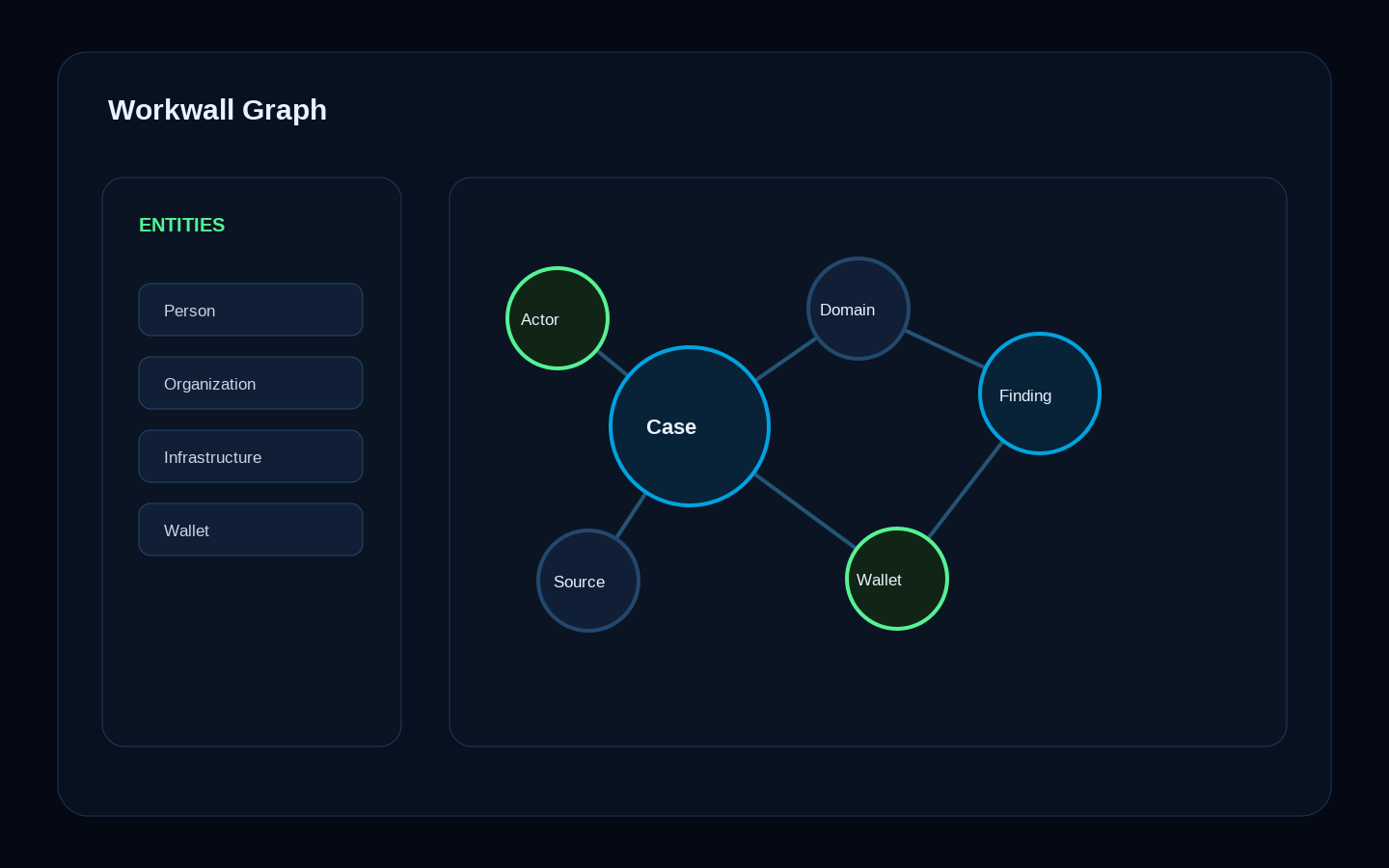
Findings become connected context
Trust model
Built for lawful, passive monitoring
Radio monitoring touches aviation, telecommunications and privacy law. The setup is passive by design and keeps a record of who did what.
Passive only
Nodes listen. They transmit nothing at a target.
- No jamming
- No deauthentication
- No decoding of radio voice
Presence, not identity
Phones rotate their addresses. The map treats nearby devices as presence, not as people.
- Randomized addresses marked
- Rotating addresses merged
- Retention with the tenant data
Controlled commands
A node accepts only commands from a fixed list, and each one is logged.
- Fixed command list
- Command history
- Settings for administrators only
Standalone nodes
A node keeps working when the connection to Arqent is down.
- Local dashboard
- Local 30-day log
- Clean shutdown on power loss
Plan detection for your site
Bring the site layout, the areas to cover and the rules you operate under.